Admin onboarding

Welcome to Jamworks!

Learn everything you need to know to help your students get set up with Jamworks

Enter a valid YouTube URL

Step 1

Step 1

Step 1

Invite your students via our portal

To invite specific students to Jamworks, you must first log in to our portal. The Jamworks portal allows you to assign licenses to students quickly and easily.
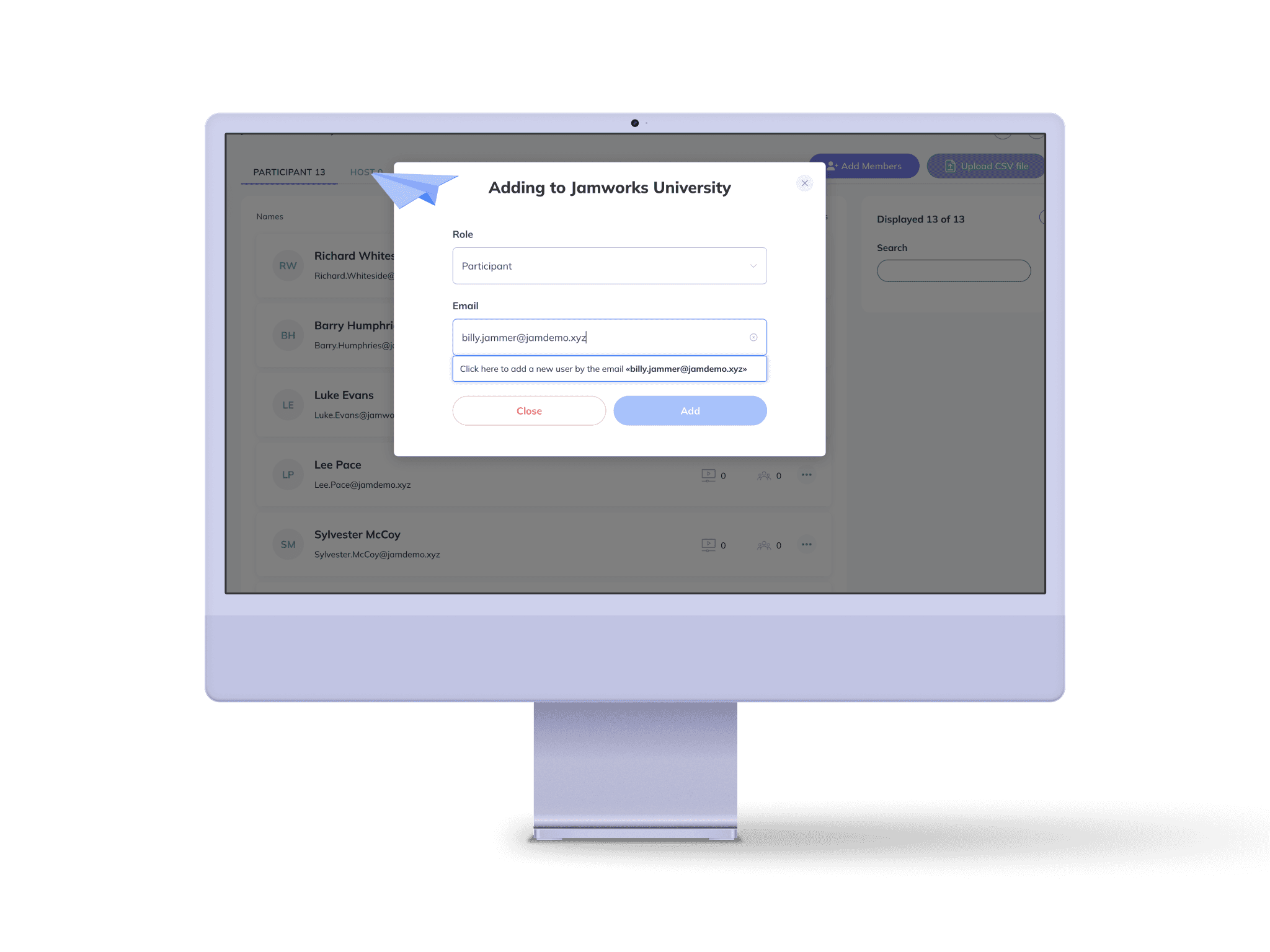
Screenshot of student invitation user interface on Jamworks' portal
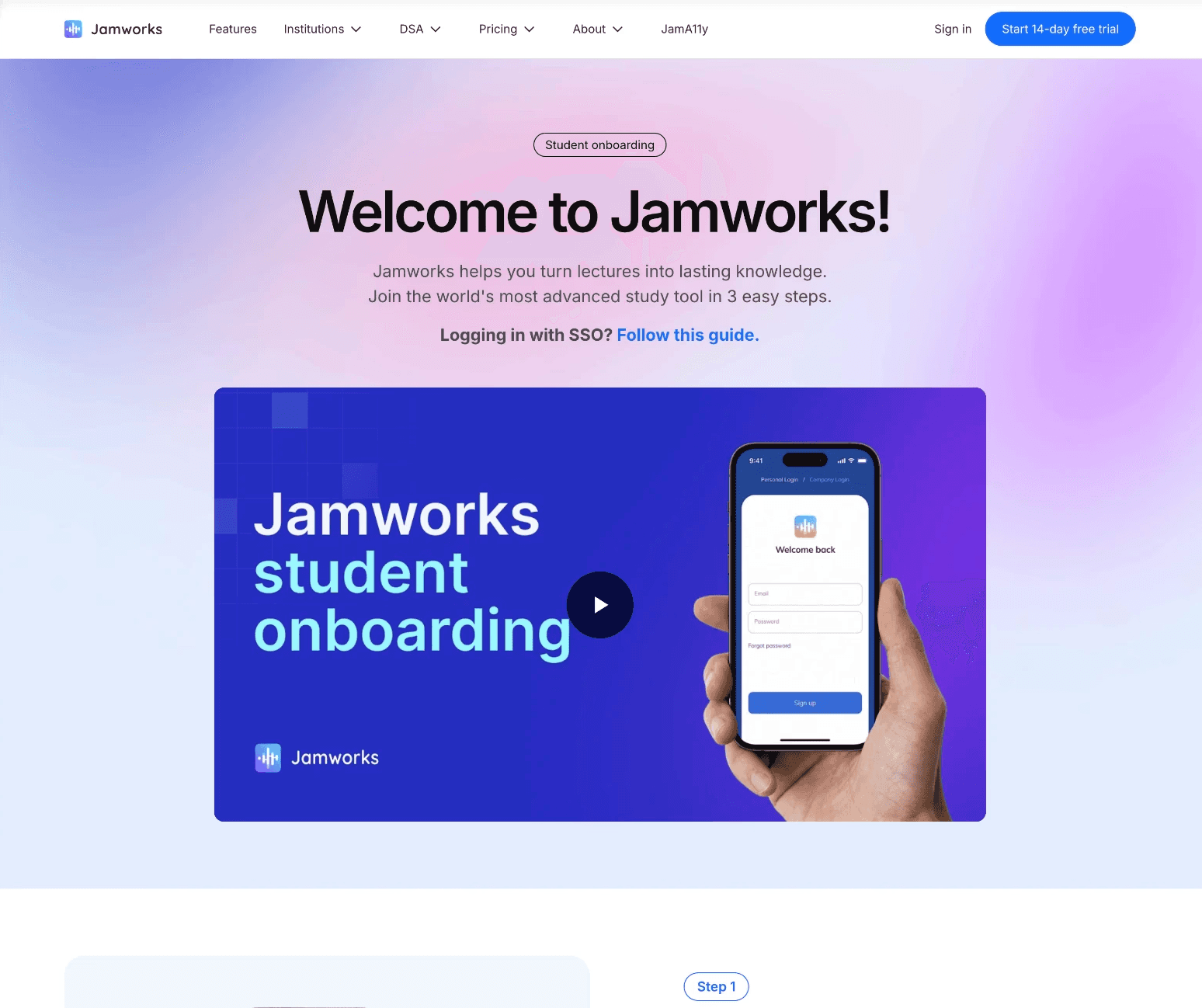
Screenshot of the hero section of the student onboarding page

Step 2

Step 2

Step 2

Share our student onboarding guide with your students

To make sure your students are ready to go with Jamworks, we have created a simple onboarding page which you can access and share via the link below.


We strongly recommend you share this link with the students you invite. It includes a welcome video, getting your account set up, making your first recording, FAQs, one to one training and more!

Step 3

Step 3

Step 3

Join the Jamworks community

Join a thriving community of Jamworks customers to get access to exclusive resources, information on existing and new features and discussions around assistive technology.

Jamworks robot mascot waving, while wearing a warm smile, standing next to an envelope and red heart emoji

Book a Demo

It's as easy as that!

Have any questions? Feel free to book a one-to-one chat with our customer support team.

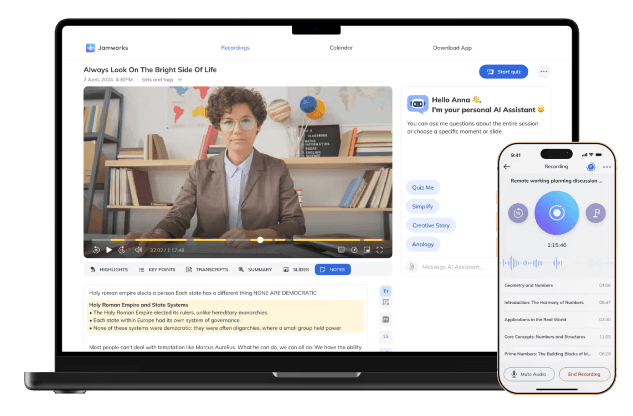
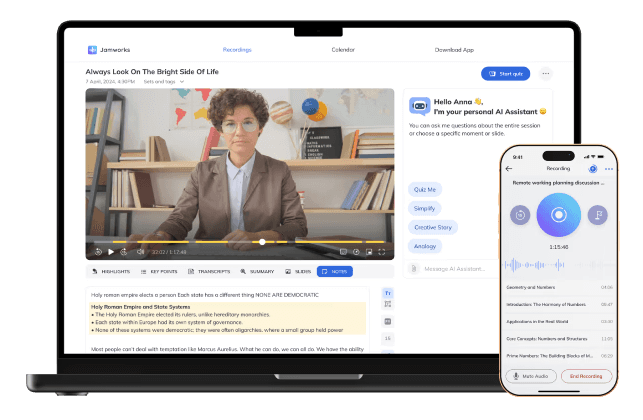
Mockup of Jamworks desktop and mobile screens

Book a Demo

It's as easy as that!

Have any questions? Feel free to book a one-to-one chat with our customer support team.

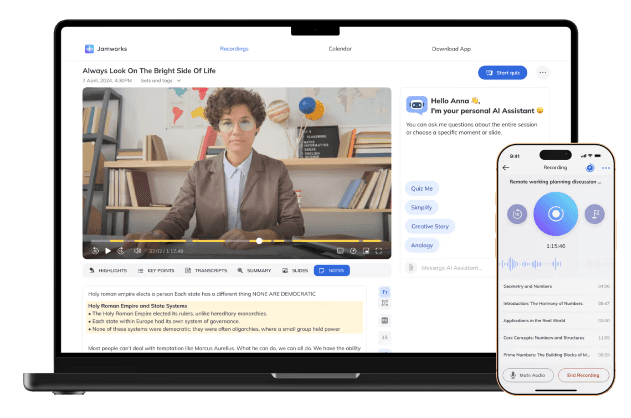
Mockup of Jamworks desktop and mobile screens

Book a Demo

It's as easy as that!

Have any questions? Feel free to book a one-to-one chat with our customer support team.

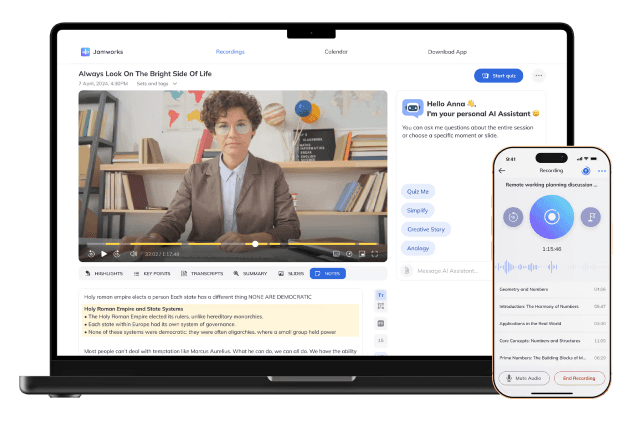
Mockup of Jamworks desktop and mobile screens

Book a Demo

It's as easy as that!

Have any questions? Feel free to book a one-to-one chat with our customer support team.

Mockup of Jamworks desktop and mobile screens

Keri Hayes

Assistive Technology Specialist, Jefferson College

"Compared to other note taking solutions, Jamworks is amazing. It addresses the majority of the issues that students face."

Logo

Keri Hayes

Assistive Technology Specialist, Jefferson College

"Compared to other note taking solutions, Jamworks is amazing. It addresses the majority of the issues that students face."

Logo

Keri Hayes

Assistive Technology Specialist, Jefferson College

"Compared to other note taking solutions, Jamworks is amazing. It addresses the majority of the issues that students face."

Logo

Keri Hayes

Assistive Technology Specialist, Jefferson College

"Compared to other note taking solutions, Jamworks is amazing. It addresses the majority of the issues that students face."

Logo