Jamworks writes your notes, creates your flashcards, and answers your questions.
Join the world's most advanced study tool in 3 easy steps.

JamA11y onboarding

Welcome to JamA11y!

JamA11y helps you make every document accessible.
Setting up LMS integration? Follow this guide.

Enter a valid YouTube URL

Step 1

Step 1

Step 1

Login

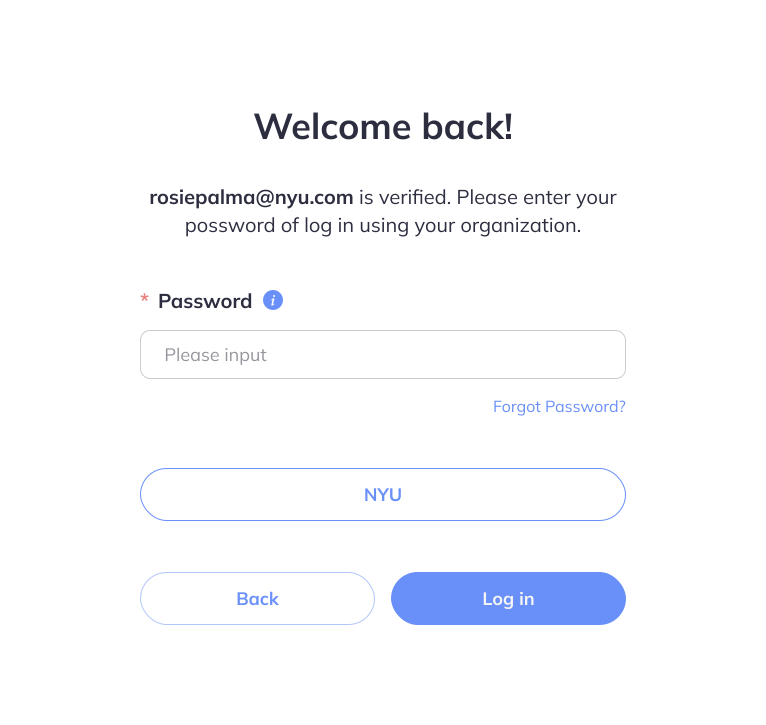
Check your inbox! Follow the link in your welcome email to create your account and sign in.

Step 2

Step 2

Step 2

Upload

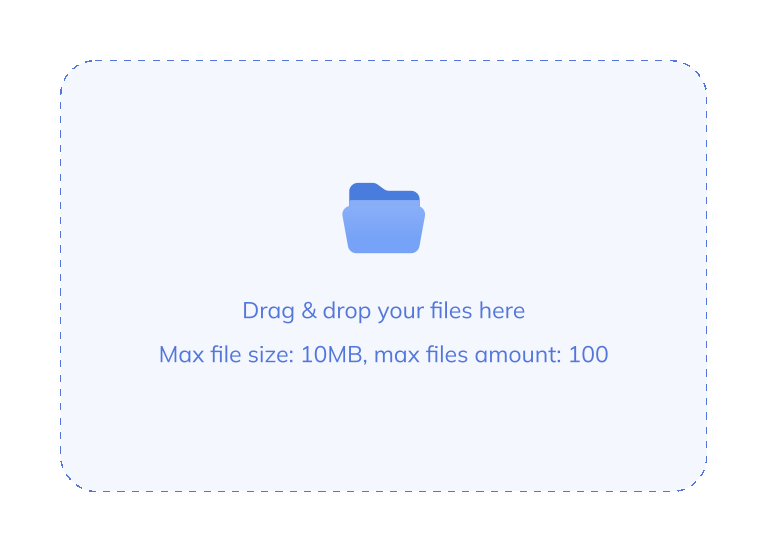
Upload an inaccessible document and let JamA11y create accessible versions.
A slightly tilted iPhone mockup, displaying the Jamworks mobile app with a recording in progress

Step 3

Step 3

Step 3

Review

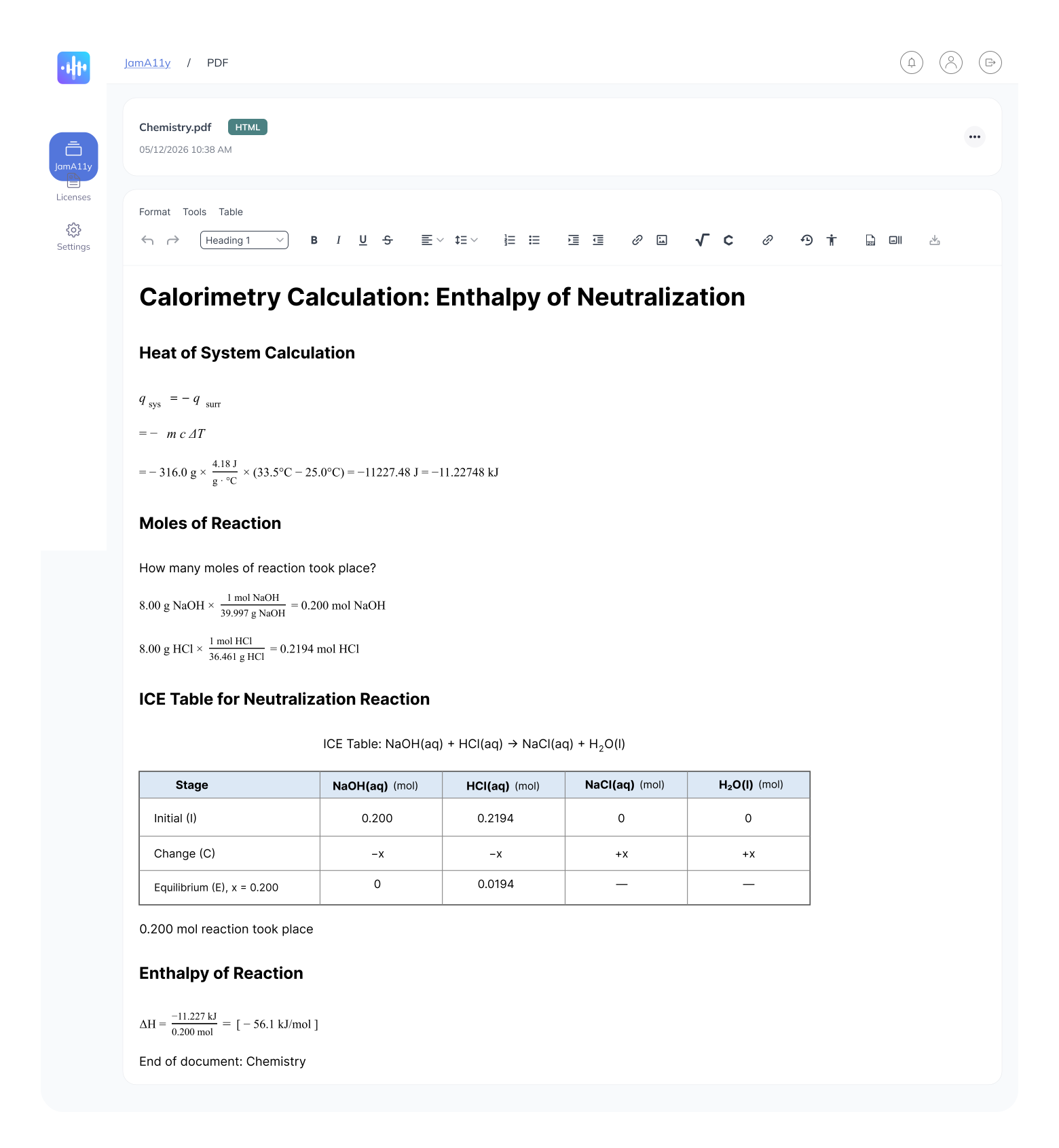
Open the document editor and perform a manual review of your accessible document.

Step 4

Step 4

Step 4

Share

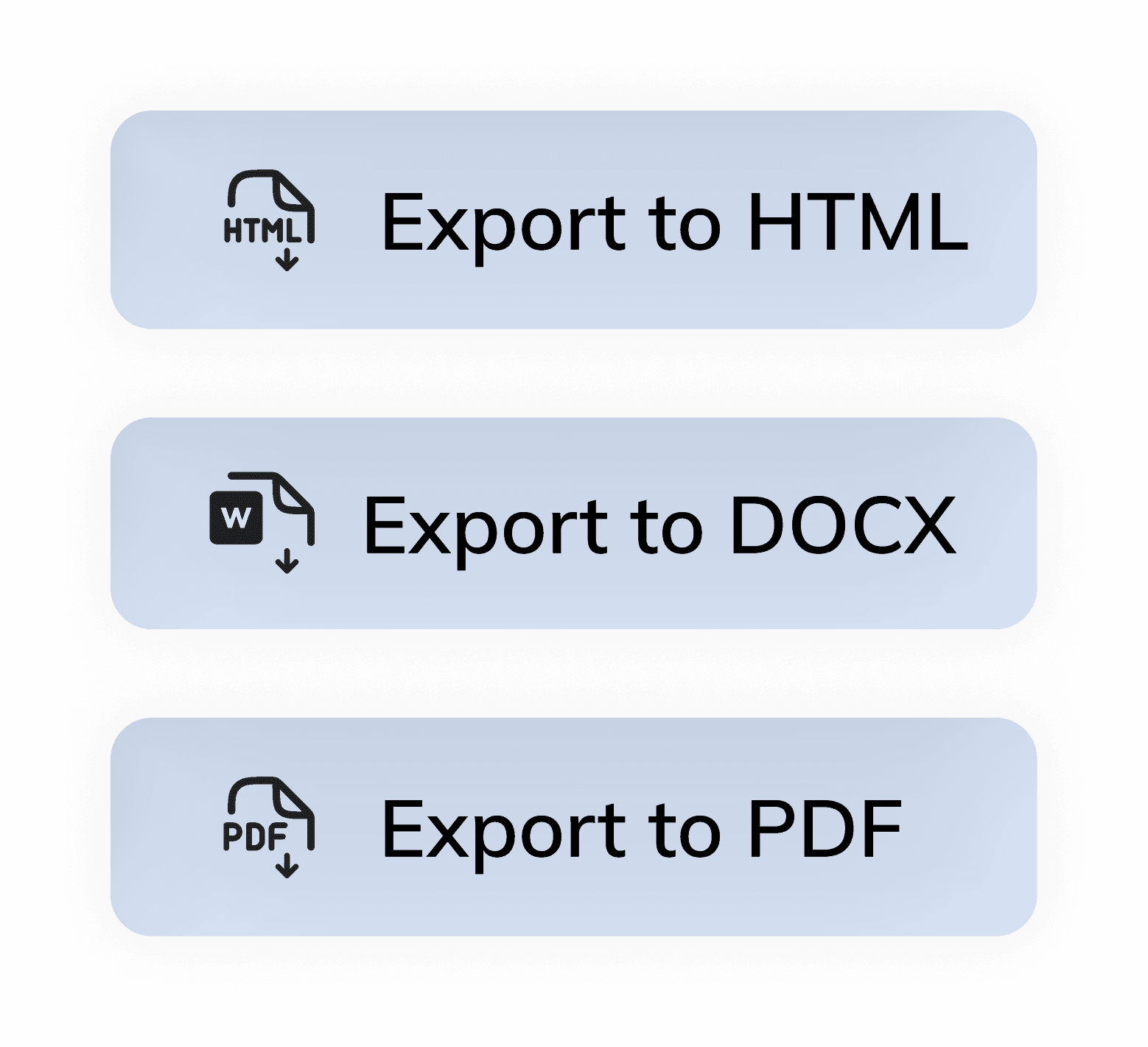
Export your accessible document as HTML, PDF/UA, DOCX or MP3.

JamA11y Feature Demos

JamA11y Feature Demos

JamA11y Feature Demos

See how JamA11y takes the pressure out of document remediation

Enter a valid YouTube URL

How to add users to JamA11y

Enter a valid YouTube URL

Convert to HTML

Enter a valid YouTube URL

Toolbar demo

Enter a valid YouTube URL

Faculty user guide (LMS, portal login) 

To learn more about JamA11y, explore our guides

Mockup of Jamworks desktop and mobile screens

To learn more about JamA11y, explore our guides

Mockup of Jamworks desktop and mobile screens

To learn more about JamA11y, explore our guides

Mockup of Jamworks desktop and mobile screens

To learn more about JamA11y, explore our guides

Mockup of Jamworks desktop and mobile screens

You're all set!

Have any questions? Feel free to book in a call using the button below to chat to a member of our team.