Best PDF Remediation Tools for Higher Education 2026
Published:
Amirah Khan
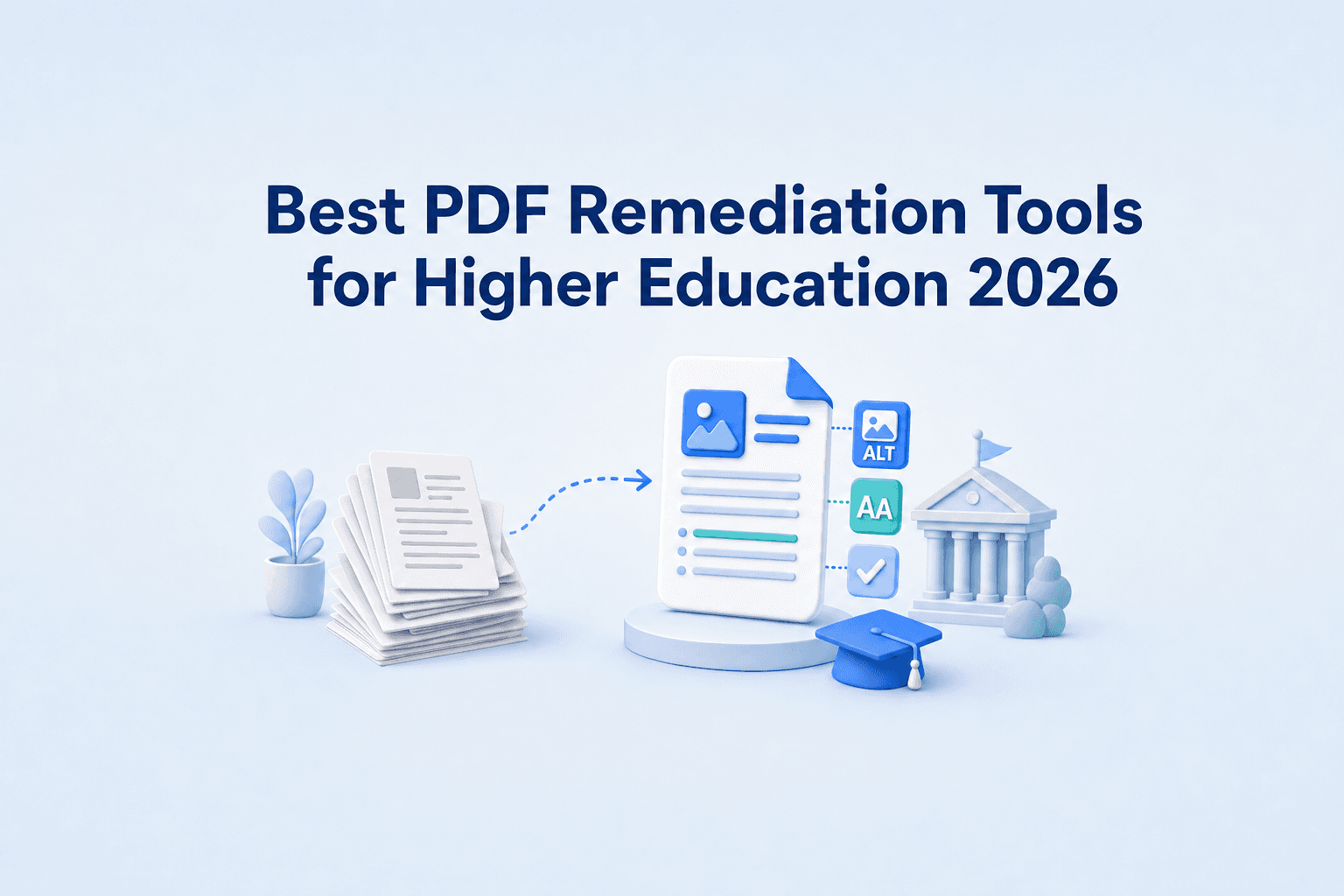
The best PDF remediation tools help higher education institutions make digital learning materials accessible while meeting WCAG 2.2, PDF/UA, and ADA Title II requirements. This guide compares leading tools based on OCR capabilities, LMS integrations, automation features, and their ability to remediate complex PDFs and academic content, including maths and STEM materials.
Quick Comparison for Best PDF Remediation Tools in Higher Education
Product | Automated Simple PDF → PDF/UA-2 Conversion | Complex Doc Remediation (STEM, scans, tables, columns) | LMS Integration |
|---|---|---|---|
JamA11y | ✅ Yes | ✅ Yes (with human-in-the-loop editability) | ✅ Yes |
SensusAccess Remediator | ⚠️ Partial | ❌ No | ❌ No |
PREP | ✅ Yes - Paid service | ✅ Yes - Automated with manual review | ✅ Yes |
CommonLook PDF | Manual (AI-assisted) | Manual (AI-assisted) | ❌ No |
Grackle PDF | Manual (AI-assisted) | Manual (AI-assisted) | ❌ No |
Equidox AI | ✅ Yes Paid service | ❌ No | ❌ No |
SensusAccess | ⚠️ Partial | ❌ No | ✅ Yes |
Blackboard Ally | ⚠️ Manual - Minimal | ❌ No | ✅ Yes |
There are lots of PDF remediation tools and services available, which focus on either simple automated conversions or manual workflows for complex documents.
However, JamA11y stands out as the only document accessibility tool built for higher education that comprehensively handles simple PDF conversions AND human-in-the-loop remediation of more difficult documents.
Why is PDF Remediation Important in Higher Education?
Digital inclusion is essential for ensuring all students, including those who may face visual, motor, or cognitive impairments, can access their course materials. PDF remediation ensures all documents are accessible and usable for assistive technology, like screen readers. Many students face barriers to learning because of poor digital inclusion and accessibility in higher education institutions.
This is now being enforced by regulations outlined by Title II ADA guidelines, which means all legacy content and LMS learning materials, and all documents, must comply with WCAG 2.1 to Level A and Level AA standards. Beyond compliance, this is a key shift to achieve inclusion for all students.
However, with the looming deadline, higher education institutions are struggling to remediate years worth of legacy content, digital textbooks, and LMS learning materials. It’s shared responsibility for teams across higher education but it’s challenging with limited time, resources, and a lack of specialist knowledge.
That’s why we’re comparing the best PDF remediation tools for higher education teams to create accessible, compliant PDFs.
Best Automated PDF Remediation Tools for Higher Education Compliance
JamA11y
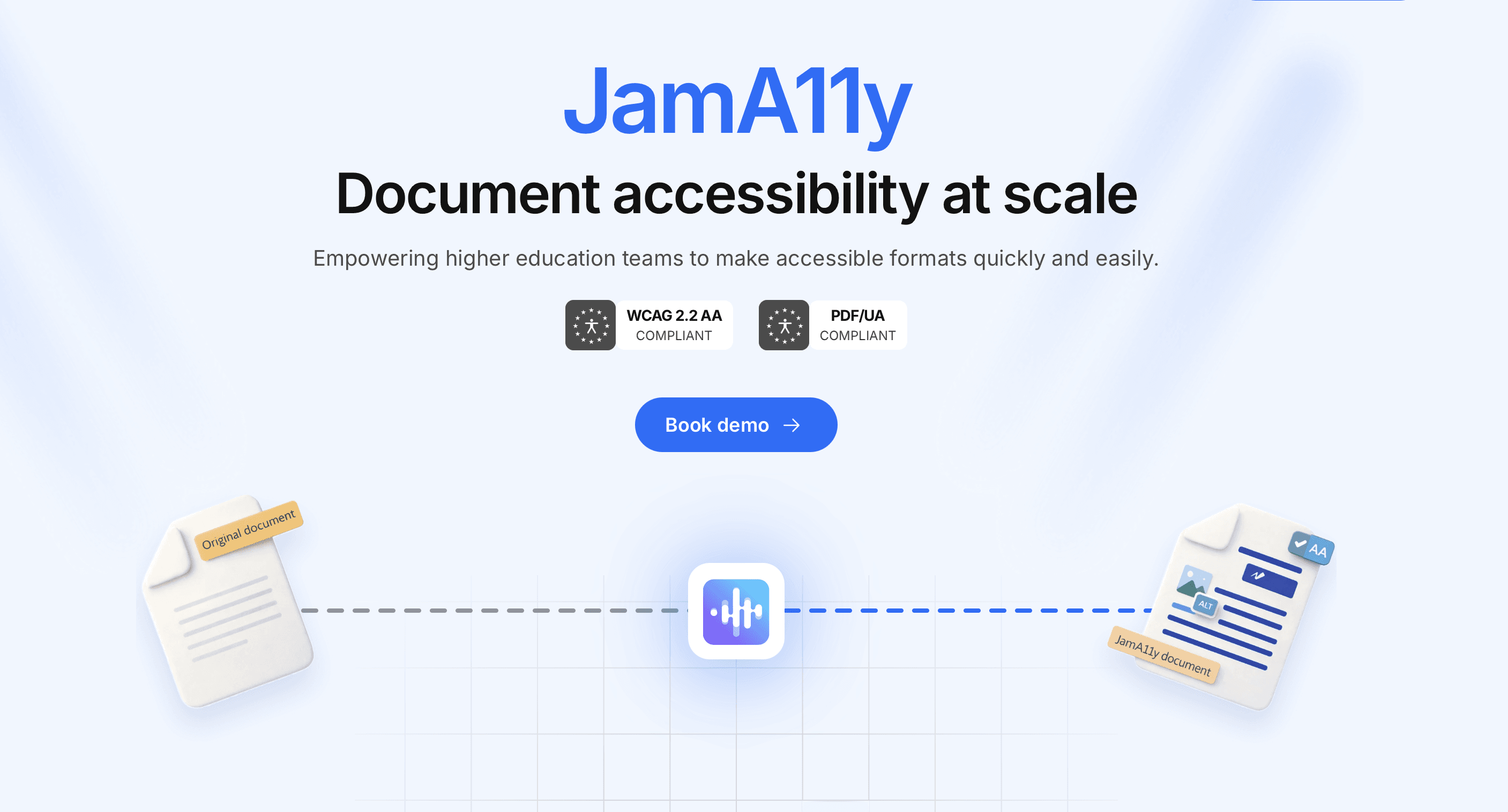
JamA11y is an AI-powered automatic PDF remediation tool designed specifically for higher education teams. It’s compliant with both WCAG 2.2 AA and PDF/UA-2 standards, and is designed to be used by anyone for quick, affordable remediation.
Simple, fast PDF Remediation to meet PDF/UA-2 standards
JamA11y offers unlimited PDF remediation to ensure documents meet the PDF/UA-2 standards. This includes accessibility tags, alt text for images, embedded fonts and metadata including document title and language. This is an automated, unlimited service powered by AI to make PDF remediation quick and simple for non-experts. It’s an ideal solution for higher education teams to make large volumes of simple documents compliant fast.
PDF Remediation for Complex PDFs and STEM Content
Beyond meeting PDF/UA-2 standards, JamA11y offers a complex service designed to convert STEM content, scanned documents, and complex PDFs into HTML, the most accessible format. This service offers human in the loop editing with multiple options for exporting accessible content.
Key features of JamA11y for higher education include:
Remediation for scanned documents with handwritten elements, complex information, or layouts
Conversion for PDF, Word, and PowerPoint files to accessible formats
Accessible export options such as HTML, DOCX, PDF/UA-2, BRL, EPUB and MP3.
Auto detection of images, links, tables, and equations
Alt-text generation for detected images
LMS integration to provide students with instant access
MathType integration to edit accessible equations and formulas
JamA11y makes remediation simple for non-experts with a simple, intuitive editor that offers side-by-side comparison with the original source PDF. This tool flags WCAG 2.2 AA accessibility issues and allows users to edit and review content before export. Complex elements, such as images and tables, can be easily accessed and adjusted using the editor. As this is a tool designed for higher education teams, it aims to make remediation of complex learning materials fast and simple, with AI-powered remediation that pairs with easy human review.
Best PDF Remediation Tools for Automated OCR & Batch Document Processing
Sensus Access Remediator and PREP Document Remediation Software
Sensus Access Remediator and PREP Document Remediation Software are both browser-based, automated PDF remediation tools with built-in OCR support. This makes them suitable for scanned or image-based PDFs that have not yet been converted into editable text.
Both tools offer automated remediation using:
Automatic document structure tagging
Built-in accessibility checks that flag issues (missing tags, metadata, or reading order problems)
AI-generated alt text for images and visuals
Conversion into accessible formats: Word (DOCX), HTML, and ePub
Built-in compliance checking for PDF/UA standards
Single or batch document upload and processing
However, these tools are less suitable for PDFs that include:
Complex mathematical or STEM notation (e.g. equations and formulas)
Complicated or multi-column reading order
Detailed tables, charts, or graphs
Education-specific content that requires expert-level tagging
Sensus Access Remediator is recommended as a ‘strong starting point’ for remediating large batches of simple PDF documents to reach PDF/UA standards. It also supports audio output (text-to-speech) and provides a simple workflow for fixing missing document metadata. However, the output of the remediated PDFs is highly dependent on the quality of the original document, making it less suitable for poor-quality scans.
In contrast, PREP Document Remediation Software offers additional features, such as a built-in compliance checker for Section 508, WCAG 2.2, and ADA, alt-text for charts and graphs, and an OCR that can handle poorer quality scanned documents. This tool also integrates with Canvas and D2L and offers collaborative tools for teams.
CommonLook PDF
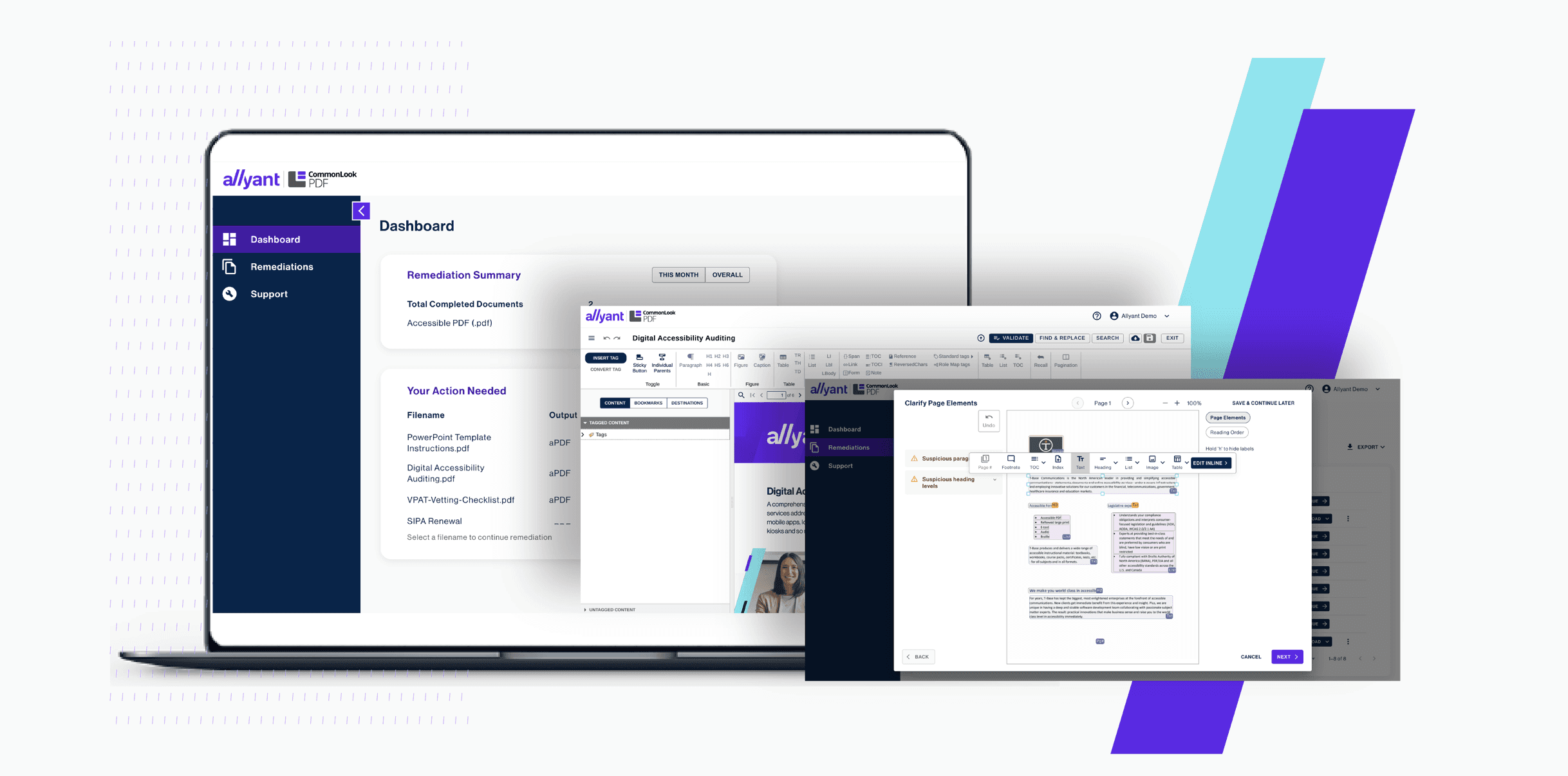
CommonLook PDF is an AI-powered remediation tool designed to support compliance with accessibility regulations including ADA Title II, WCAG, PDF/UA and Section 508. It’s available to use in browsers or is downloadable on any operating system, including MacOS.
Some key features include:
AI-driven automated tagging for tables, lists, and forms
“Fix Wizard” that flags simple accessibility and structural issues
Batch remediation of PDFs
Simplified editor for non-technical users
Advanced editor for experts remediating technical documents with complex elements
AI prompting support for issues that require manual review
CommonLook PDF is strong for compliance-focused remediation of PDFs. However, it may not be ideal for complex math/STEM content or poor quality scanned PDFs. It’s also unclear whether OCR conversion is required beforehand, as this may depend on the document type.
Overall, these three tools are a good starting point for automated batch PDF remediation of structured documents, especially for meeting accessibility standards.
Best Automated PDF Remediation Tools for Simple Templated Documents

Grackle PDF and Equidox AI
Grackle PDF and Equidox AI are both PDF remediation tools designed for structured, templated PDFs with clear and predictable elements. These tools are ideal for remediating and validating PDFs with consistent structure, rather than scanned or image-based PDFs.
Key features include:
Automated detection of accessibility issues (tags, structure, and reading order)
Guided remediation to fix errors for spaces, tables, and images
Built-in validator for meeting PDF/UA and WCAG technical standards
Alt text and tags for images
Equidox AI is also designed to meet compliance standards such as Section 508, the ADA, AODA, and the EAA. However, both tools appear to need PDFs to have undergone OCR first. Grackle PDF offers more additional features such as advanced table management, and step-by-step remediation guidance but it is only available on Windows Desktop. Overall, these tools are ideal for creating inclusive accessible PDFs from pre-existing documents that are well-structured.
LMS integrations for PDF Remediation and Alternative Media
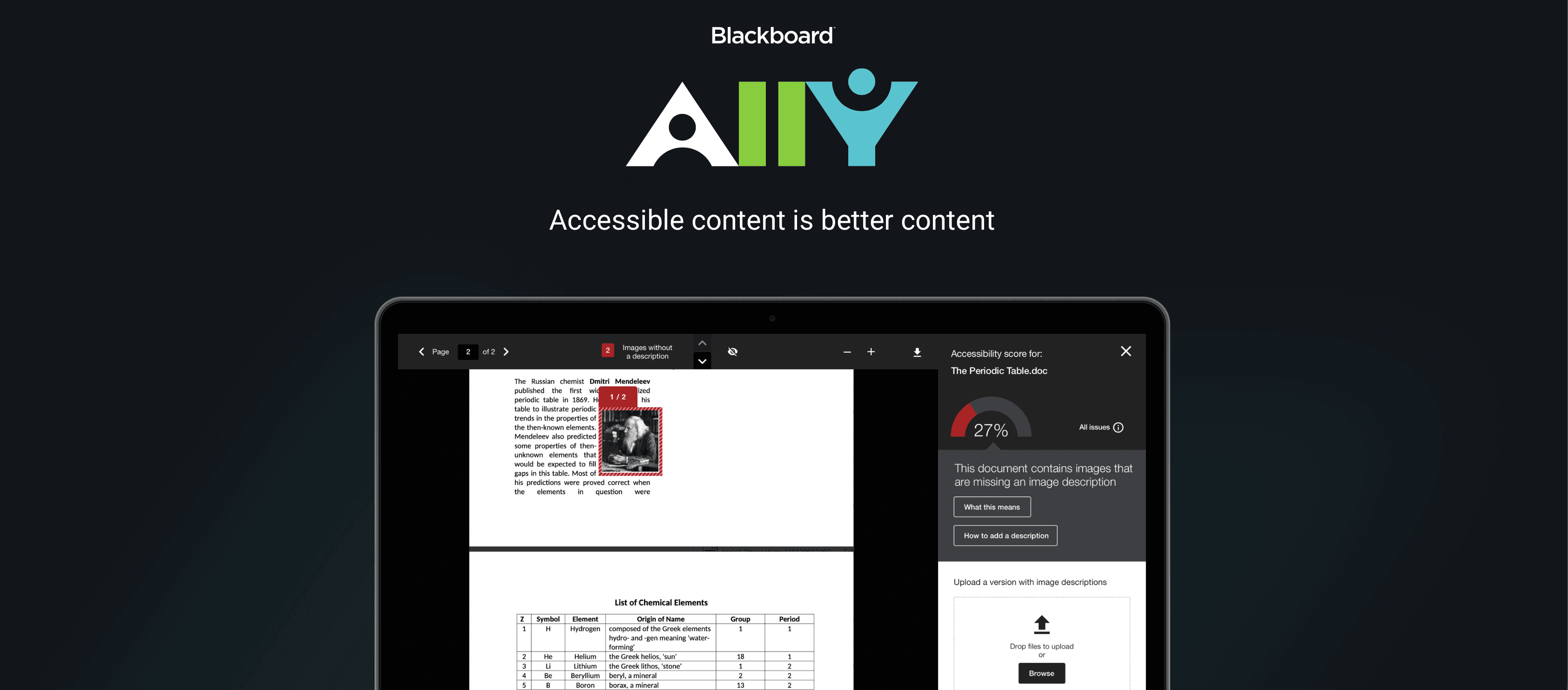
Sensus Access and Blackboard Ally
Sensus Access and Blackboard Ally are both LMS-integrated accessibility tools designed to offer self-service alternative media and document remediation for students and faculty. Rather than focusing on PDF remediation alone, these tools improve access to course content by generating alternative formats directly within LMS and VLE platforms.
It’s unclear whether Sensus Access is designed to meet specific compliance requirements, such as PDF/UA, WCAG, or ADA validation. However, it does offer students and faculty the option to generate accessible course materials directly within the learning environment.
Key features of Sensus Access include:
Integration with Canvas and D2L BrightSpace
Conversion of course material into audio books, braille, digital large print, e-books, and more
Self-service alternative media for modules, files, assignments, discussion pages, and quizzes.
In contrast, Blackboard Ally provides a more comprehensive integration that's designed to convert content into accessible formats and consistently improve accessibility across the institution's learning environment.
Key features of Blackboard Ally include:
Automated generation of alternative formats using machine learning algorithms
Automatic accessibility checking and content scoring
Validation against many WCAG 2.1 AA guidelines
Integration with Canvas, Moodle, Open LMS, D2 BrightSpace, and Blackboard Learn
Guidance for instructors to fix accessibility issues within the LMS
Conversion of content into OCRed and structured PDFs
Alternative media formats include MP3 audio, ePub, electronic braille, HTML, and the BeeLine reader.
Overall, Sensus Access is primarily focused on self-service alternative media generation, while Blackboard Ally provides broader accessibility monitoring, reporting, and guidance to help institutions improve accessibility across courses at scale. However, neither tool is compliance-focused and may face limitations with complex documents or poor-quality scans.
Summary for the Best PDF Remediation Tools for Higher Education in 2026
For higher education teams, there is a wide range of powerful PDF remediation tools that can aid digital inclusion. However, the best tool depends on the quality and complexity of the PDF and its content. Here’s a summary of the tools and their best use cases:
JamA11y is best for automating the remediation of simple and complex PDFs or scans with STEM or math content. It’s ideal for supporting higher education teams to meet WCAG 2.2 AA and PDF/UA standards without expert knowledge, and it integrates with their LMS for a seamless workflow.
Sensus Access Remediator and PREP Document Remediation Software offer built-in OCR and are ideal for automated remediation of structured PDFs and good-quality scanned documents without complex learning material, such as maths or STEM content.
CommonLook PDF is a good tool for ensuring structured PDFs with some complex elements are compliant with multiple standards, including ADA Title II, WCAG, PDF/UA and Section 508.
Grackle PDF and Equidox AI are best suited for converting structured, templated PDFs with clear and predictable elements to meet PDF/UA standards.
Sensus Access and Blackboard Ally are helpful LMS integrations to support higher education institutions in producing accessible course content across the learning environment and meet some compliance standards.
JamA11y stands out as the most cost-effective tool to handle all of your institution's document accessibility needs. A single campus wide license covers unlimited remediation of documents: it converts simple PDFs into compliant PDF/UA2 and allows your team to convert and export more complex documents into the alternative formats that your students need, directly within your LMS. Intuitive human-in-the-loop controls ensure accuracy and usability.
Learn more about JamA11y and start making your documents accessible for free today. Get started here.